

This article provides step-by-step guidance on how to view all InvoiceNow E-Invoice transactions log, for users to see what has been sent and received through Financio.
How To View InvoiceNow Transactions
a) Navigate to Control Panel and click on Integrated Apps.
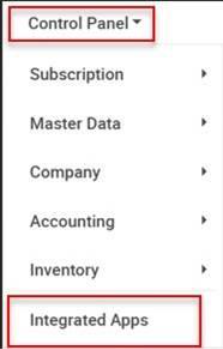
b) Head to InvoiceNow section and click on Transactions.
c) You will be directed to the InvoiceNow – Transactions page.
Click on the ‘View’ button under the Action column.
d) InvoiceNow Details will be shown on the screen as below.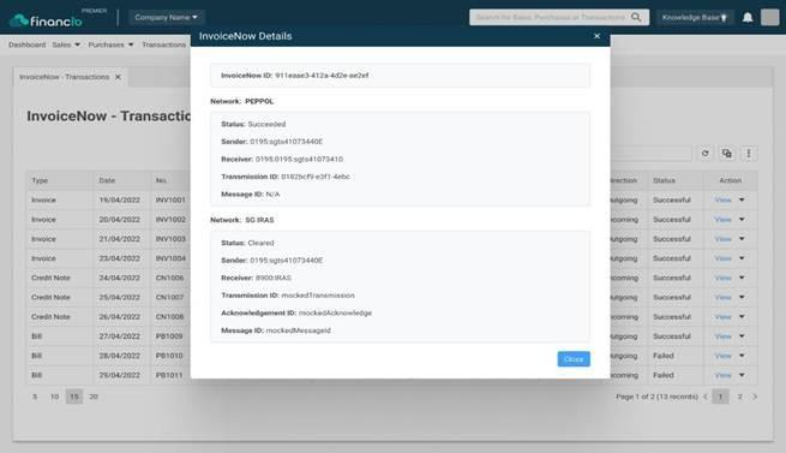
Exporting Report
a) On the InvoiceNow – Transactions page, click on the ‘More Options’ button.
2. Click on the ‘Export to Excel
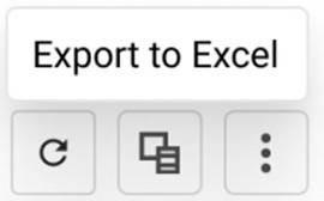
The Excel format is provided to enable business owners, accountants and consultants to prepare further reconciliation of reports or conduct additional analysis.
Comments
0 comments
Please sign in to leave a comment.